History with structure.
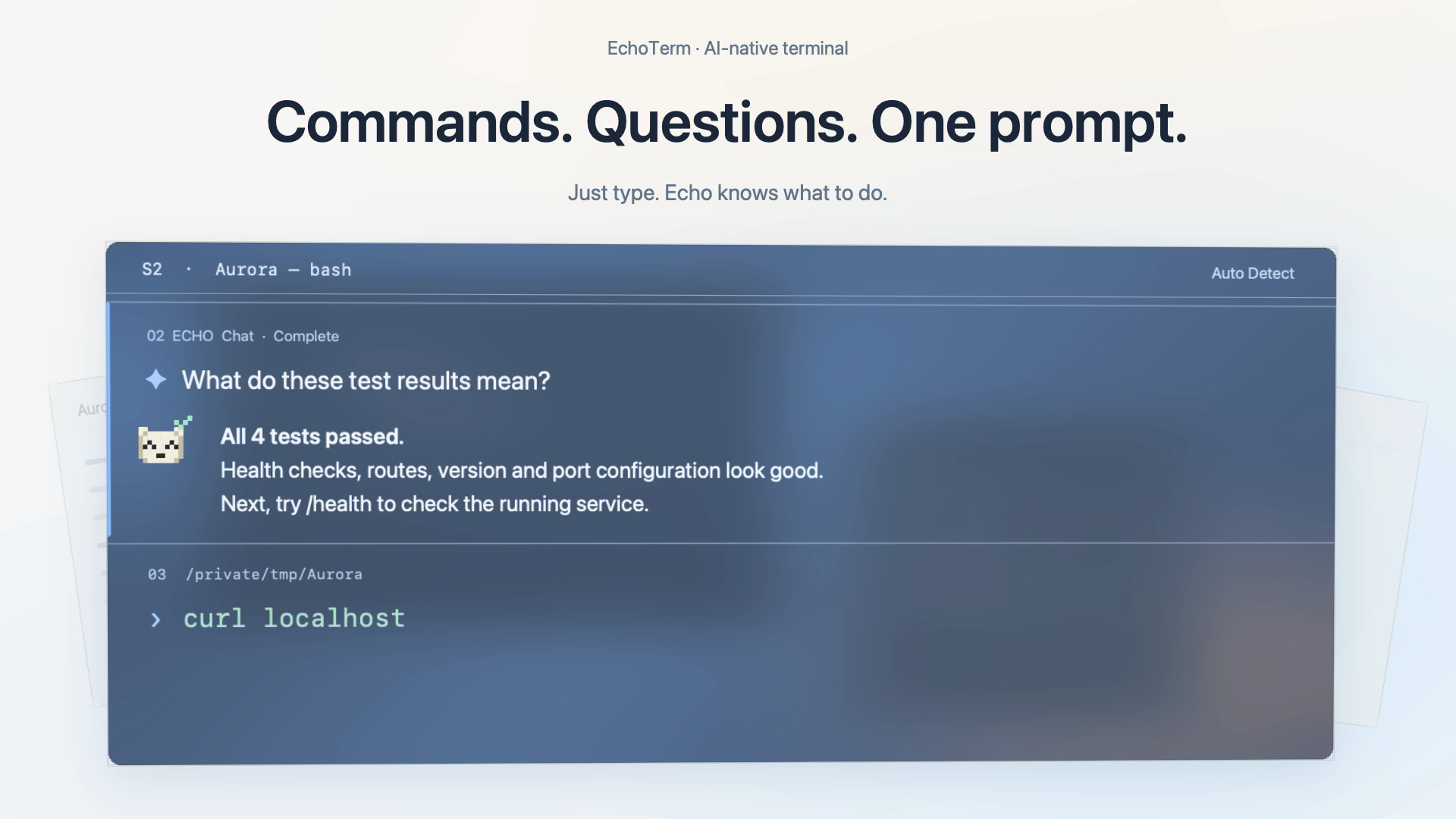
Commands, output and AI replies stay in distinct blocks. Follow their status, revisit a result, and move on with clarity.
 Echo Studio
 EchoTerm_NATIVE TO macOS
A NEW SIGNAL IN YOUR WORKFLOW
Commands and AI, in one native terminal.
With a small, expressive Echo right beside you.

01 / ONE PLACE TO THINK AND DO
Run what you know. Ask about what you don’t.
Echo keeps the conversation alongside your shell,
so you can stay with the work.
❯ git status --short --branch## main
❯ python3 -m unittest -vtest_health … ok test_routes … ok test_config … ok test_version … ok
4 tests. All clear.
A guided preview. Choose a step above to explore the flow.
Echo is here.
02 / A LITTLE CHARACTER. REAL CONTEXT.
A white bear made of pixels, with a sense of what’s happening. Echo listens, thinks, responds—and lets the little squares do the talking.
The same expressive Echo from the app.
Now a little closer.
03 / LESS FRICTION. MORE FLOW.
Commands, output and AI replies stay in distinct blocks. Follow their status, revisit a result, and move on with clarity.
Tabs, split panes and a floating timeline give each session its own space—without losing the thread between them.
A native interface with themes, adjustable transparency, and a real Zsh or Bash shell underneath.
04 / SEE IT IN MOTION
 THE ORIGINAL ECHOTERM FILMEN / 46 SEC
BUILT BY ECHO STUDIO
EchoTerm is taking shape on macOS.
Follow the studio for progress and release news.
In active development · macOS 14+